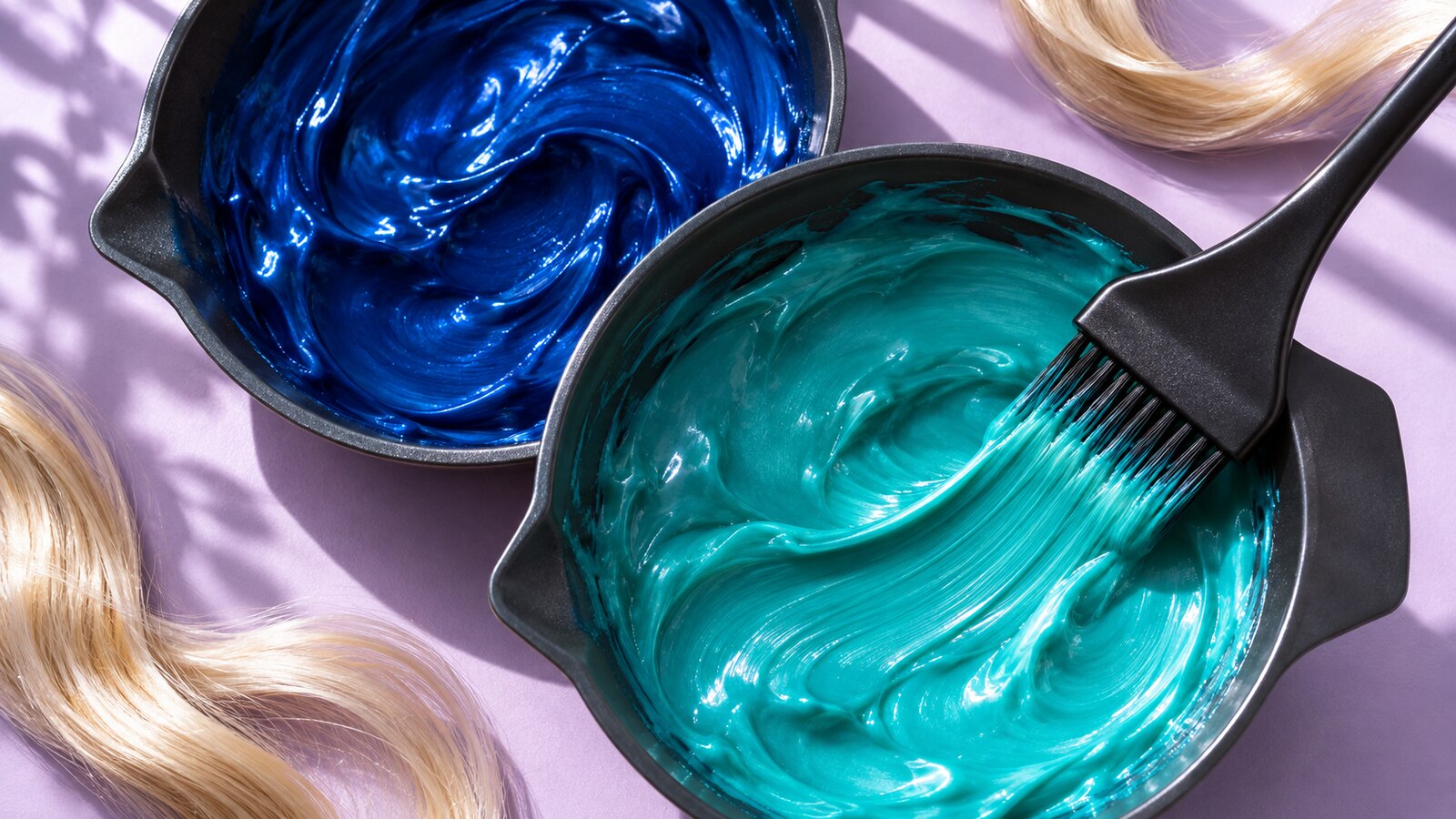
I’ve been seeing the Zuvi ColorBox all over my social media feed and was excited to get to try it out myself! The Zuvi ColorBox is a countertop hair color dispenser that mixes custom shades of semi-permanent dye. Think of it like a 3-D printer, but for hair color.
In this review, I’ll show you how I picked two shades from a Pinterest inspo photo, mixed the dyes, and added streaks to my blonde hair.
Zuvi provided the ColorBox free of charge for my honest review. As an Amazon Associate, I earn from qualifying purchases.
What Comes in the Zuvi ColorBox Starter Kit?
The kit includes the dispenser, its power cable, a mixing bowl, application tools and four cartridges. Three hold concentrated red, yellow and blue pigments. The fourth holds the base.
Think of the app as your recipe book. Once you choose a shade, the ColorBox measures the ingredients into the bowl for you. You still get to do the stirring.

Turning a Pinterest Photo Into Hair Color
To create a color, you can start with a photo, take a photo, or pick one from the color wheel. I picked a photo off Pinterest for this experiment.
Open the app and start by selecting the base color closest to your hair. This is a very important step, as shades will appear different on different color hair. A blue swatch on a bright screen only tells you so much.
You will always get the brightest most true color over very light hair. We didn’t lighten my hair for these streaks, and just went over my regular blond color as it was light enough in most spots to work.


To use a photo, open “Add hair dye,” choose “Extract from image” and select your inspiration picture.
The photo below is the one I was picking my colors from:

The app pulls out a row of colors. Tap one and look through the suggested hair swatches underneath. Then you can fine tune the color exactly how you would like it. That helped me pick out the blue and teal closest to the Pinterest photo.
I went a little brighter on the teal/green color, because the minty shade in the photo was too light to show on my hair.


You can also browse color cards, move around the color wheel or revisit favorites. Zuvi says the system can make more than 1,000 shades!
You can always save your favorites to easily mix again.


Dispensing and Applying the Blue and Teal
Give the ColorBox a sturdy, level spot and center the bowl so it clears the sides. The app will warn you if the bowl is unsteady.

The machine will start making some noise, and one by one, the dye and base will be squirted into the bowl below. The device handles the proportions, so you don’t need professional color-mixing experience.
Once it’s done, just mix it up and you are ready to apply it!


I had my friend Jenna from Wicked Beauty Jax help me apply the color so I could add streaks to the under layers in the back of my hair.
Zuvi recommends working on dry hair in sections, apply the mixed color evenly and allow about 30 minutes for processing before rinsing thoroughly with water that isn’t hot.

How the Streaks Looked on My Blonde Hair
From the front, the blue-green pieces frame my face. The colors ending up looking pretty similar, but that is due to my hair color we started with.
You can see the individual ribbons of teal underneath the waves better in the photo showing the back of my hair.
Overall, I think the color was pretty accurate to color on the screen.


The Formula and Caring for the Color
This is semi-permanent, deposit-only color. Zuvi describes its base as conditioning and made with coconut oil. It adds pigment to the hair you already have, so a vivid blue on very light blonde can look more muted or greener over a warmer base.
To stretch the time between touch-ups, wash less frequently when practical, use a color-safe shampoo and keep the rinse water comfortably cool. If swimming is part of your routine, you might want to try wearing a swim cap, and always rinse your hair immediately when getting out of the water.
Price and Where to Find the ColorBox
Zuvi listed the starter kit at $159, down from $179, when I last checked. If you’re shopping for Black Friday, check the current price at Zuvi or compare it on Amazon.
This is a really cool device, and perfect if you like to experiment with different colors!
It was easy to set-up, easy to use, and I really liked the end result.

Leave a Reply