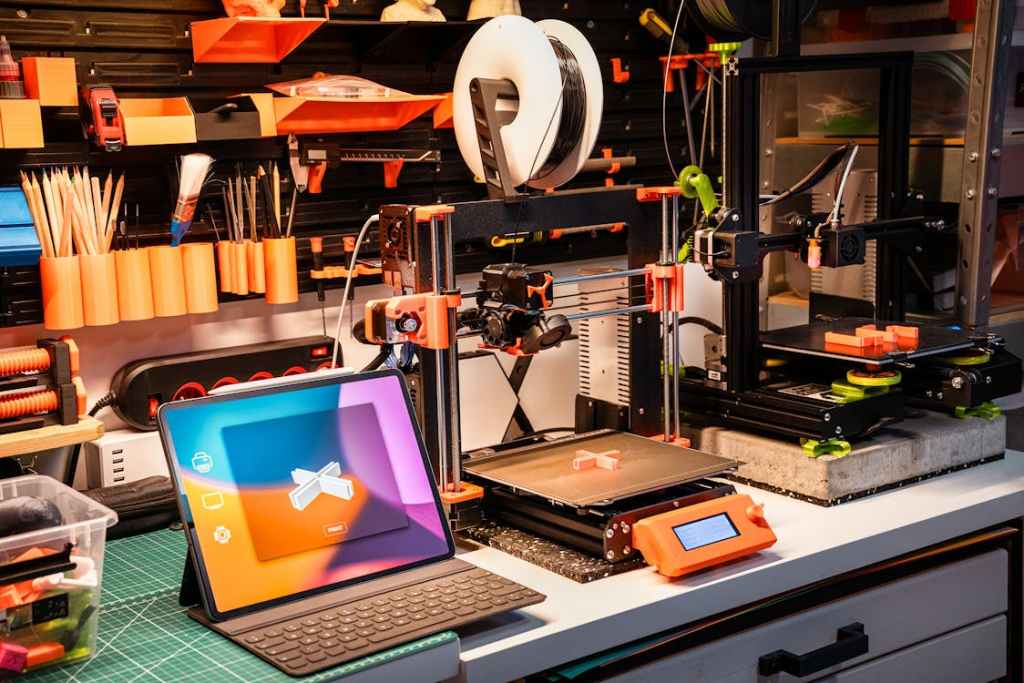
If you’re a cosplayer with a 3D printer and looking to bring your costumes to the next level, Thingiverse.com is a goldmine of cosplay pieces ready to print.
Whether you need detailed armor pieces, intricate props, or small embellishments, this free online platform is full of 3D-printable designs.
Let’s explore what Thingiverse is, how to use it, and some tips to make the most of it for your next cosplay project.
What Is Thingiverse?
Thingiverse is an online repository of user-created 3D models that can be downloaded and printed on a 3D printer.
It’s run by MakerBot, a company known for its 3D printers, but the site itself is free to use and supports all brands of printers. The platform is community-driven, meaning designers upload their creations for anyone to download, modify, and print.
You can use these files for free, as long as you do not intend to sell what you print! If you are looking to make things for sale, many files have the information to purchase a license for selling.
How Do You Use Thingiverse?
Using Thingiverse for cosplay is straightforward.
- Search for cosplay files – Use the search bar to look for specific characters, props, or armor pieces. Try terms like “cosplay,” “helmet,” or the name of your character.
- Check file details – Each file includes information like size, recommended print settings, and whether any assembly is needed. You can also see photos posted of makes by other people who have used the file.
Check the comments section to find tips on files settings and what other people used for the best results. - Download STL files – STL is the standard file format for 3D printing. Download the file and load it into a slicing program like Cura or PrusaSlicer.
- Print your prop – Adjust settings based on your printer and material (PLA, ABS, or resin). Some prints may need support structures to hold up complex designs.
- Post-processing – After printing, you can sand, prime, and paint your piece to bring it to life. Some larger pieces may need to be glued together before painting.
What Can You Use It For?
Thingiverse is packed with cosplay-friendly designs, including armor pieces, weapons, and accessories.
- Armor pieces like gauntlets, chest plates, and helmets from games, movies, and anime.
- Weapons and props such as swords, staffs, guns, and magical artifacts.
- Accessories like badges, medallions, earrings, and small details that add authenticity to a costume.
- Masks and helmets, from Mandalorian helmets to superhero masks.
I often use it for small detail pieces, like adding the Triforce button to this Zelda cosplay:
I also used it for making the neck bolts on my Bride of Frankenstein cosplay:

Tips for Using Thingiverse for Cosplay
- Modify for a perfect fit. Some designs may not fit your size perfectly. Use software like Tinkercad or Meshmixer to scale or adjust the files before printing.
- Check print bed size. Large pieces may need to be printed in sections and glued together. Make sure your printer can handle the file’s dimensions.
- Test print first. Print a small version of a piece to check quality and fit before committing to a large print.
- Use high-quality filament. Cosplay props and armor often require durability, so choose PLA+, ABS, or PETG for strong prints.
- Post-processing matters. Sanding, priming, and painting turn a raw 3D print into a professional-looking prop. Use spray filler primer to smooth out layer lines before painting.
- Give credit to designers. If you showcase your 3D-printed cosplay piece online, mention the Thingiverse creator as a courtesy. You can also share your makes on the item page.
A Whole New 3D World
Thingiverse is an invaluable resource for cosplayers looking to enhance their builds with 3D-printed props, armor, and accessories. Whether you’re crafting a full suit of armor or just need a small emblem for your costume, the platform offers endless possibilities—all for free.
If you have access to a 3D printer or a local printing service, Thingiverse can take your cosplay to the next level.






 The Midnight Pumpkin Blog
Leave a comment